The most common question from people who are new to the BestSelf Planner is some version of: "I know I should be doing a weekly review. But I sit down and I just... stare at it."
That's normal. The blank page problem is real.
This is the template. Work through it in order. The whole thing takes about 20 minutes. By the end, your week is planned and you know where you stand.
When to do it
Sunday evening or Monday morning. Pick one and make it a ritual. Some people prefer Sunday so they start Monday with momentum. Others prefer Monday morning so the week is fresh.
Both work. Consistency matters more than timing.
Block 20 minutes. Put your phone face-down.
Step 1: Close out last week (5 minutes)
Before you plan forward, look back. Open to last week's pages and ask:
What got done? Check off anything you completed. Give yourself credit. Even if the week felt chaotic, things got done.
What didn't happen? Not for self-criticism. Just honesty. Did the undone things not get done because life intervened, or because they weren't actually important enough to prioritize?
What was the win? Find one thing from the week that felt like real progress. Write it down in the notes section. This practice builds a record of momentum over time. You'll use it when you feel stuck in week six.
Don't spend more than five minutes here. You're not journaling. You're clearing the ledger.
Step 2: Set the intention for this week (5 minutes)
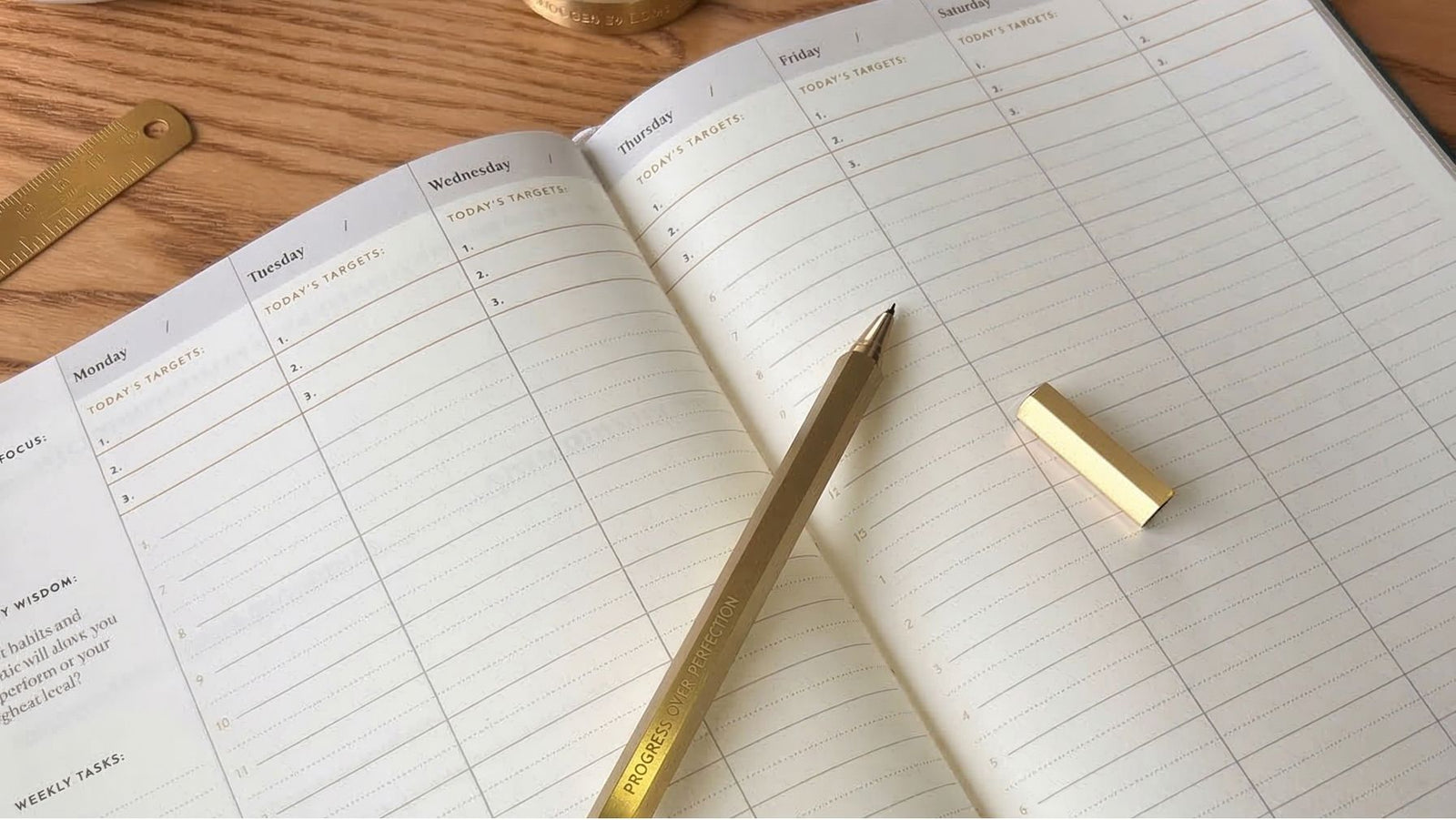
Open to your new weekly spread. At the top of the page (or in your monthly section if you haven't set it yet), write down:
This week's one main goal. Not five goals. One. What would make this week feel like a genuine win?
This is your focus lane for the week. Everything else should support it or at minimum not undermine it.
Then write down your top three priorities across work and personal. The BestSelf Planner's weekly layout separates these intentionally. Use both columns. Your career isn't the only thing worth planning around.
Step 3: Map your must-dos (5 minutes)
Go through the days of the week and assign specific tasks to specific days. Not just a running to-do list. Actual days.
This is where most beginners shortcut themselves. They write a beautiful list on Sunday and then face a Wednesday where nothing has been scheduled and the list feels overwhelming.
A few rules that help:
-
Put your top priority task on whichever day you historically have the most energy.
-
Schedule one fewer task than you think you can do. Underestimation is the enemy of consistency.
-
Identify one task that's purely maintenance (responding to emails, admin, errands) and batch it on one day instead of spreading it through the week.
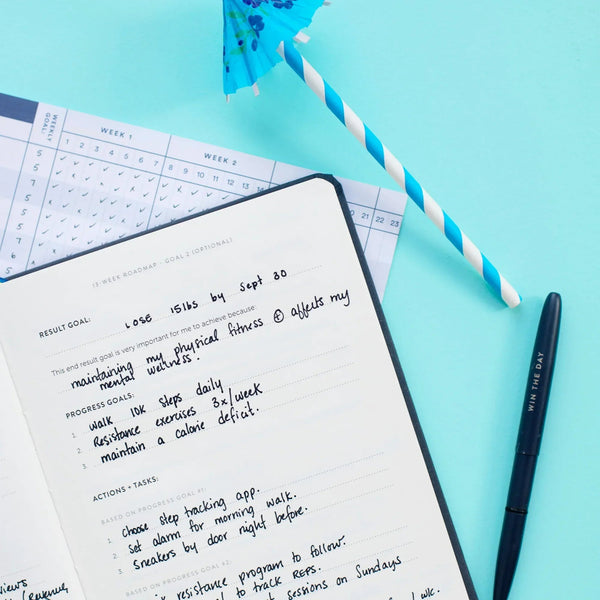
The habit tracker in the planner runs alongside your weekly pages. For this reset, look at which habits you're tracking and confirm they're still relevant. If a habit has been red for three weeks in a row, it either needs a strategy change or it's time to acknowledge it's not the right focus right now.
Step 4: Check the bigger picture (5 minutes)
Flip back to your monthly goals section. Ask:
Am I on track for the month? If it's week two and you haven't started the main thing you said you'd do this month, that's worth acknowledging now. Not with judgment. With a decision. Either recommit and assign specific days to it this week, or consciously adjust the goal.
Is there anything coming up this week that changes my plan? Travel, a big meeting, family event, anything that will shrink your available focus time. Account for it now so it doesn't surprise you on Wednesday.
The monthly overview in the BestSelf Planner is worth opening every time you do your weekly reset. It keeps your short-term planning connected to your longer-term intentions. Without it, weeks blur together and months go by without the progress you planned for.
The full template, at a glance
Close last week:
What got done?
What didn't, and why?
What was the one win?
Set this week's intention:
One main goal
Top three priorities (work and personal)
Map the days:
Assign tasks to specific days
Check habit tracker
Check the bigger picture:
Monthly goal check-in
Any calendar surprises to plan around?
Why this works for beginners specifically
More experienced planners develop their own rhythms over time. When you're starting out, you need more structure, not less. The template takes the decision-making out of the ritual so you can build the habit before you start customizing it.
The BestSelf Planner is designed for exactly this. The prompts are already built into the pages. You're not creating a system from scratch. You're learning to use the one in front of you.
Do the reset every week for six weeks. By week six, it won't feel like work. It'll feel like Sunday isn't quite complete without it.
The BestSelf Planner is a flexible 6-month planner with built-in weekly, monthly, and habit-tracking tools. Find it at bestself.co.