If you're trying to figure out how much screen time is reasonable for your kids — by age, by situation, and what actually works when the guidelines feel unrealistic — you're in the right place.
This guide covers what the American Academy of Pediatrics recommends by age, common questions parents hit in real life, and what to do when the rules aren't sticking. No judgment. These are honest, practical answers for families trying to figure it out.
What the AAP recommends by age
The American Academy of Pediatrics publishes the most cited guidance on kids and screen time. Here's where they land:
- Under 18 months: Avoid screen use, except video chatting with family. Screens at this age don't have learning benefit without a caregiver present to contextualize what's happening.
- 18–24 months: If you introduce screens, choose high-quality programming and watch together. Solo screen time at this age doesn't produce the same outcomes.
- Ages 2–5: Limit to 1 hour per day of high-quality content. Co-viewing — watching with your child and talking about what you're seeing — helps them understand and retain more.
- Ages 6 and up: Consistent limits on time and type of content. The goal: make sure screen time doesn't displace sleep, physical activity, homework, or in-person connection.
These are guidelines, not rules that apply identically to every family. The underlying principle is the same across all ages: screens work best when they're chosen on purpose, not used as a default or a pacifier.
What experts recommend
American Academy of Pediatrics (AAP)
The AAP currently recommends:
- under 18 months: avoid screen media except video chatting
- 18-24 months: if you introduce screens, choose high-quality programming and watch together
- ages 2-5: about 1 hour per day of high-quality programming
- ages 6 and older: set consistent limits and make sure screens do not crowd out sleep, movement, learning, or relationships
World Health Organization (WHO)
The WHO guidelines are stricter for very young children:
- under 2 years: no sedentary screen time
- ages 2-4: no more than 1 hour; less is better
These are useful starting points, not perfect laws for every family. A child’s temperament, developmental needs, and family context still matter.
Screen time by age
Babies and toddlers (0-2)
Recommended limit: avoid screens, other than video calls
Why it matters:
- babies learn most through real-world interaction
- passive screen exposure does not teach the same way faces, voices, and play do
Practical rules:
- keep TV off in the background during play
- use video calls intentionally with family
- do not panic over occasional exposure; patterns matter more than one-off moments
- model the behavior you want around your child
Preschoolers (2-5)
Recommended limit: around 1 hour a day
What helps most:
- choose slower, higher-quality content
- co-view when you can
- avoid screens during meals
- use visual timers so transitions feel predictable
- keep bedrooms screen-free if possible
Elementary age (6-10)
Recommended limit: about 1-2 hours of recreational screen time per day
At this stage, the main goal is building habits before devices become more socially central.
Helpful rules:
- homework and responsibilities before entertainment screens
- no devices at the table
- screens off before bed
- keep tablets and phones in shared spaces
- know what your child is watching, playing, or downloading
Tweens (11-13)
Recommended limit: focus on consistency and balance, not just a hard number
This is often the age where family rules get tested harder.
Helpful rules:
- delay smartphones as long as practical
- if a smartphone is in the picture, start with clear boundaries
- phones charge outside bedrooms overnight
- talk regularly about social apps, group chats, and what they are seeing online
- help them recognize manipulative app design, not just obey rules blindly
Teens (14+)
Recommended limit: shift toward self-regulation with a few clear non-negotiables
The goal with teens is not total control. It is helping them build judgment.
Good boundaries to keep:
- no phones at family meals
- no phones in bedrooms overnight, if possible
- watch the impact on sleep, mood, friendships, and schoolwork
- keep conversation open enough that problems surface early
Not all screen time is equal
An hour spent on homework, a video call with grandparents, and an hour of algorithm-fed short videos are not the same thing.
It helps to think about screen use in categories:
Lower-value screen time
- passive scrolling
- endless short-form video
- background TV
- content that leaves kids overstimulated or irritable
Higher-value screen time
- educational content
- creative tools
- interactive learning apps
- communication with family and friends
- creating something instead of just consuming it
When parents focus only on total minutes, they miss part of the picture. Quality matters too.
How to make screen rules stick
1. Use parental controls, but do not rely on them alone
Built-in controls on iPhone, iPad, Android, and gaming systems can help with time limits, bedtime cutoffs, and content restrictions.
2. Write the rules down
A simple family media agreement works better than vague reminders.
Include:
- when screens are allowed
- where screens are not allowed
- what happens if rules get ignored
- when you will revisit the rules
3. Use visual timers for younger kids
This makes the transition more predictable and less personal.
4. Tie screens to the flow of the day
Homework, chores, movement, and family time come first. Screens fit around those priorities, not the other way around.
5. Have alternatives ready
A lot of “Can I have screen time?” really means “I do not know what else to do.”
Useful alternatives:
- art supplies
- puzzles
- outdoor play
- books
- building toys
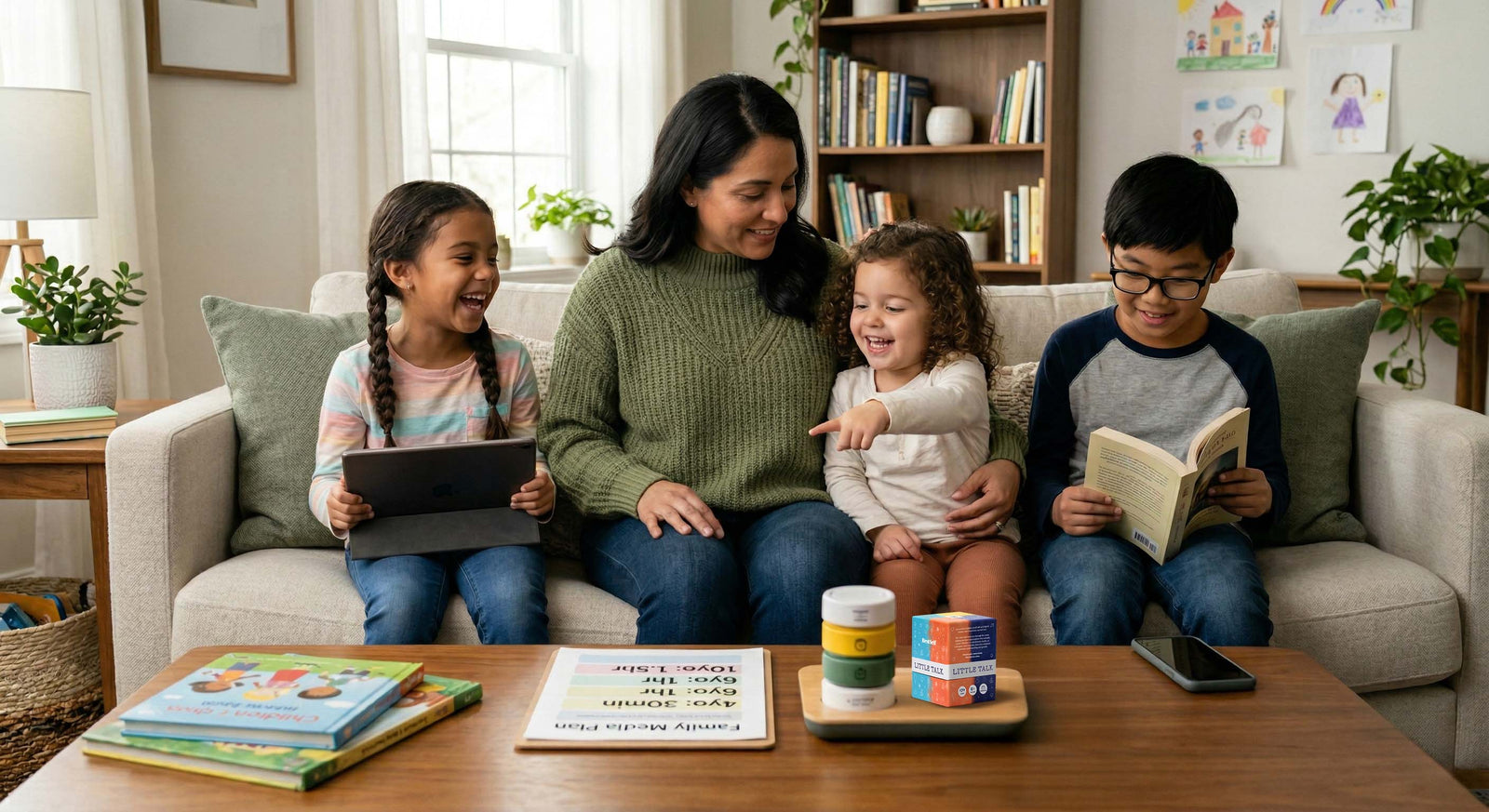
- conversation prompts like [Little Talk Deck](https://bestself.co/products/little-talk-deck)
What to do instead of screens
When non-screen time is dull, screens win.
The better move is to make offline life easier to say yes to.
Family options
- cook together
- play cards or board games
- go for a walk
- do a short family challenge
- use a question card at dinner to start conversation
Physical options
- bike rides
- sports
- dance
- playground time
- just getting outside without a big plan
Creative options
- drawing
- crafts
- building projects
- music
- writing stories
- pretend play
Frequently Asked Questions
How much screen time is okay for a 7-year-old?
For most elementary-age kids, around 1-2 hours of recreational screen time is a reasonable range, as long as screens are not pushing out sleep, movement, schoolwork, or real-world interaction.
Should toddlers watch TV?
For children under 18 months, the recommendation is to avoid screen media except video calls. From 18-24 months, if you introduce screens, choose high-quality content and watch together.
How do I reduce my child’s screen time without constant tantrums?
Use warnings before transitions, visual timers, consistent routines, and better alternatives. The clearer and more predictable the system is, the fewer daily negotiations you usually get.
What is the best age to give a child a smartphone?
There is no perfect universal age. Many families wait until middle school or later. A basic phone first can be a good bridge if the main need is communication.
If you are feeling guilty, start here
A lot of parents carry unnecessary guilt around screen time.
The reality is that family life is messy, and sometimes screens buy you the breathing room you need to make dinner, take a call, or get through a hard day.
That does not make you careless. It makes you a parent.
The more useful question is not whether you have handled screen time perfectly. It is whether your family has a direction, a few clear boundaries, and room to adjust when something is not working.
Screen-free time doesn't have to be silent.
The Little Talk Deck is 170 conversation prompts on physical cards — built for families who want to put the phones down without the room going quiet. Dinner table, road trips, the 20 minutes between school pickup and dinner.
Start with one rule
You do not need a full family reset this week.
Pick one:
- no screens at dinner
- phones charge outside bedrooms
- homework before entertainment screens
- one daily limit on the most distracting app or device
Try that first. If it helps, keep going.
The goal is not zero screens. It is helping your child grow up with healthier habits, clearer boundaries, and a life that is still bigger than the device in their hand.